Fully private
Your receipts never leave your phone if you don't want them to. No big AI companies, no cloud servers, no bank logins. Just you and your data.
The expense tracker that reads every line on your receipt — and keeps it all on your phone.
No bank sync. No cloud account required. No big AI watching your spending.
Coming to App Store soon
Banks and AI companies only see your totals — and that's actually good news. The bad news is that's exactly where your real spending habits hide, and why you spend more than you should. Nocito solves both of those problems and gives you all the information you need, completely private.
Your receipts never leave your phone if you don't want them to. No big AI companies, no cloud servers, no bank logins. Just you and your data.
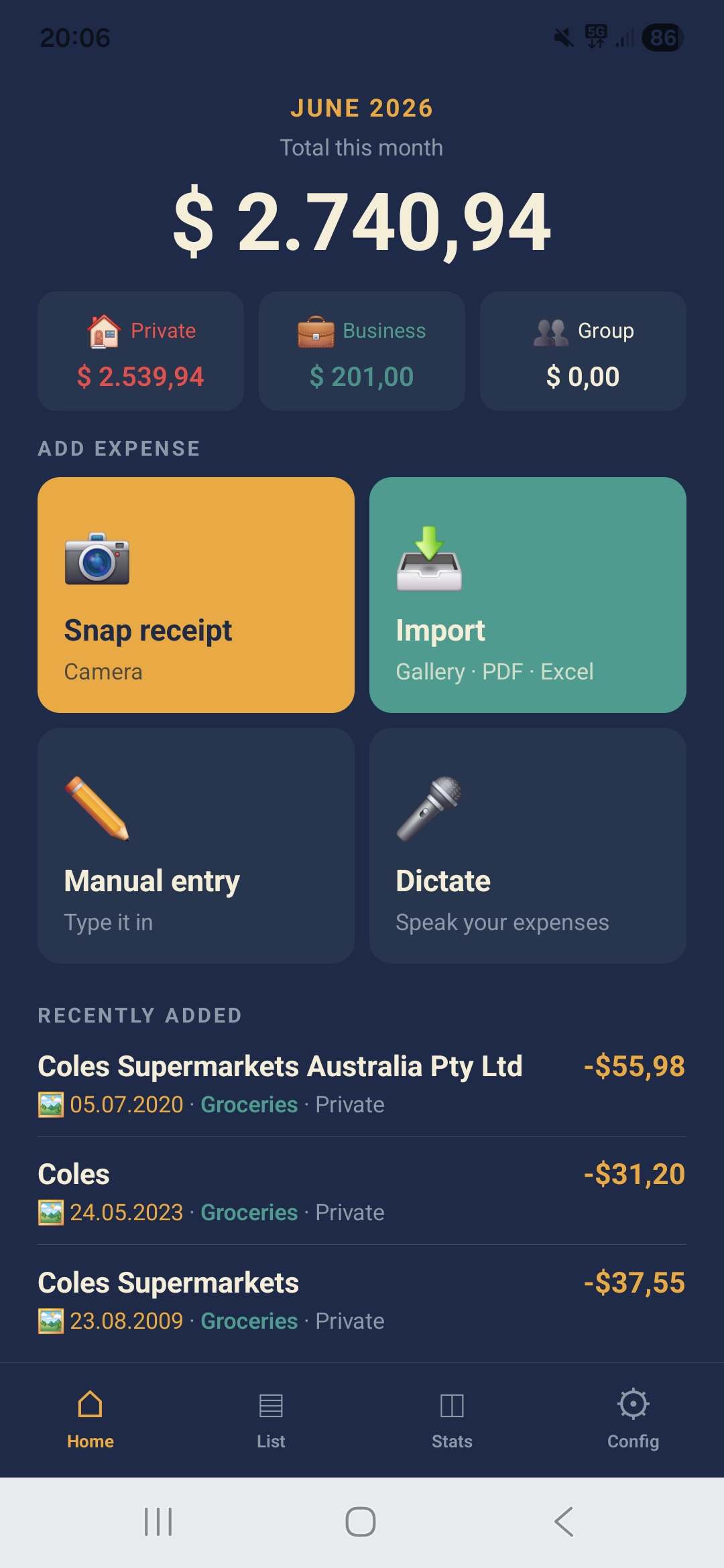
Snap a receipt, import a PDF, or just talk. Nocito extracts the amount, merchant, date and category in seconds.
See what you actually spend on — and where it's cheaper. Live now for Croatian shoppers, more markets coming.
Nocito is built for the messy real world: paper receipts, screenshots, PDF invoices, cash payments, work costs, travel receipts and quick voice notes.
Tap the shutter button and capture a receipt immediately.
Long press to capture many receipts in one quick flow.
Pick one image or PDF document from your gallery or files.
Select several images or PDF documents at once and review them in one flow.
Speak one expense or several in a row — Nocito splits them into separate entries automatically.
Type expenses yourself whenever you want — always free, no AI used.
Nocito is privacy-first by design. Use local processing when privacy matters most, or cloud AI when you want maximum speed and accuracy.
Enable local AI, local PDF extraction and local voice transcription (one-time model download) so nothing needs to be sent externally.
Receipts and PDFs are read locally. Only sanitised text is sent to the cloud for fast, accurate categorisation.
Send full PDFs or audio to the cloud for maximum accuracy on a tricky document. Always your choice, always disclosed.
We're building something most apps can't — because they only connect to your bank. Nocito reads your actual receipts, line by line. That means Nocito will soon be able to tell you: €340/month spent on meat, €89/month for coffee, and where you could save €120/year by switching one product at one store.
Nocito reads every line on your receipt and compares it against publicly available store price lists — entirely on your phone. Your basket never leaves the device.
Every scanned receipt automatically shows whether an item is on sale, cheaper elsewhere, or already at the best price you've found — no extra steps.
Add items to a list and compare your total basket price across every store you track in one tap — ranked, with the savings shown.
Tap the winning option in the ranked list to open Google Maps with directions there.
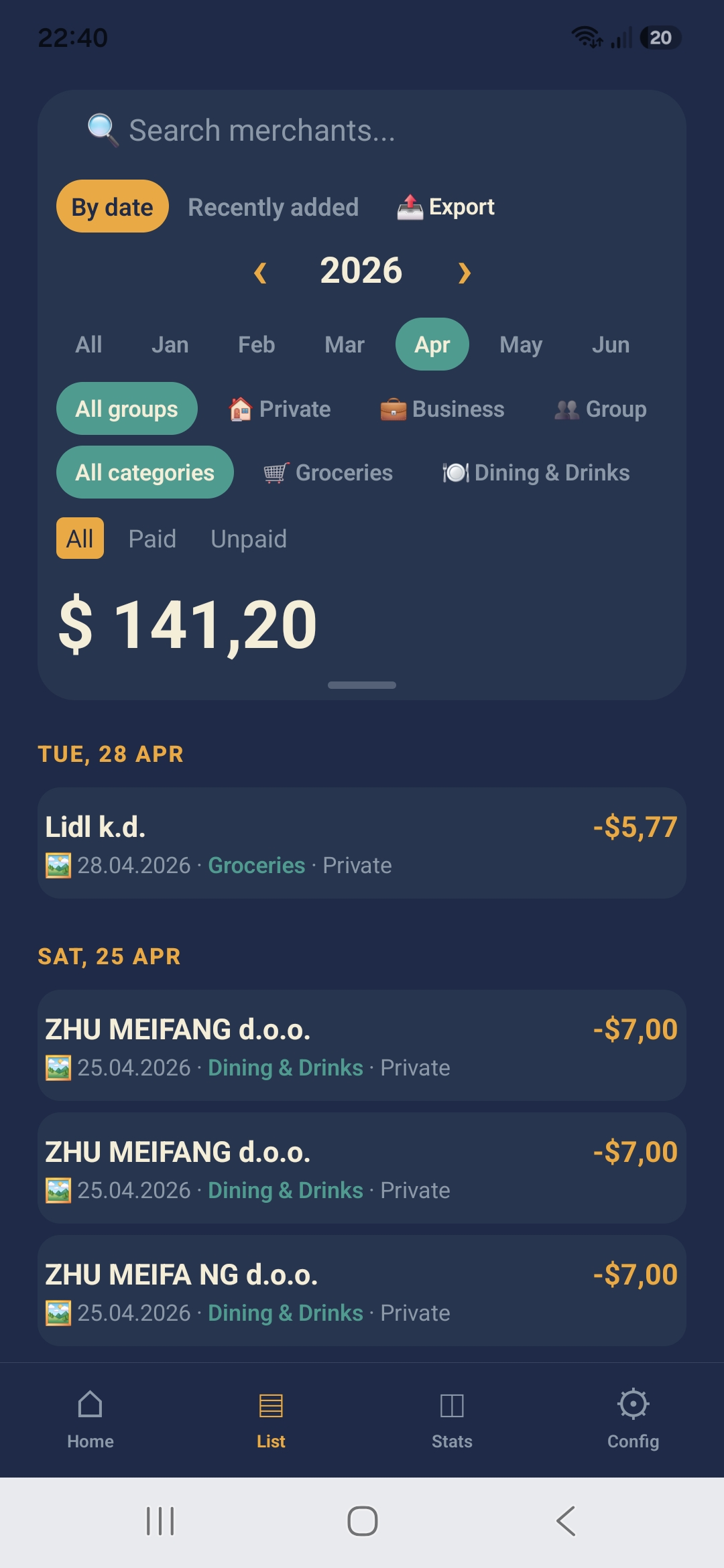
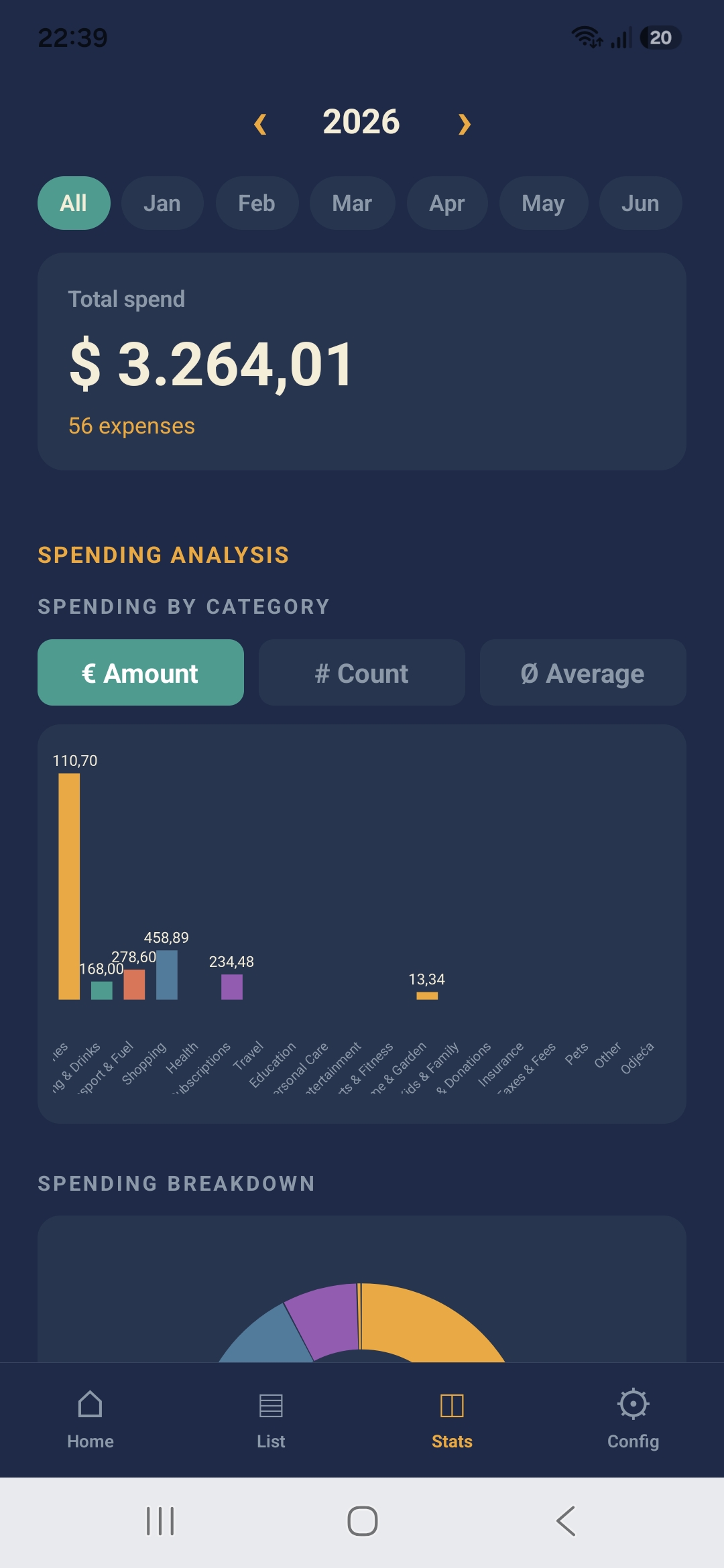
Track monthly spending, filter expenses, search merchants, mark items as paid or unpaid, and unlock deeper analytics with Nocito Pro.
Date-grouped expenses, monthly totals, group filters and quick search help you understand where money went.
Category breakdowns, top merchants and a monthly trend line chart make your spending patterns easier to spot.
Stay ahead of spending instead of only reviewing it later.
Your backup stays under your control. No forced account, no forced cloud sync.
Keep private spending, business costs, group expenses and everything else separated. Add notes, custom categories, paid/unpaid status and attachments per expense.
Planning a trip to Barcelona? Create a custom group called "Barcelona spring 2026" and keep every trip expense in one place, separate from your everyday spending.
No ads, ever. No data sold, ever. Cancel anytime via Google Play.
Forever free
Billed annually
These features are planned next, while Nocito already handles receipt capture, line-item detail, Price Intelligence, organization, privacy controls, budgets, backup and Pro analytics today.
One AI call reads printed and handwritten content together.
A mid-tier plan for everyday use, between Free and Pro.
Spot subscriptions and repeating expenses automatically.
Automatic conversion for travel and international spending.
Nocito is Android-first, privacy-first and designed to work without forcing you into bank sync or a cloud account.
Yes. You can capture expenses offline and they'll process automatically once you're back online — or enable local AI for 100% private, fully on-device tracking.
No. Nocito works without creating an account, on any tier.
No. Nocito does not use bank sync. It works from receipts, PDFs, voice notes and manual entries.
Original images, PDFs and audio files are stored privately on your phone — not on any server.
Nocito supports 12 languages, all world currencies, and both EU and US date and number formats.
Not yet. Nocito is available on Android now, with iOS planned for later.
Stop sharing your financial life with companies that profit from it. Snap it. Done.
Coming to App Store soon