Private AI, not a cloud assistant
Your speech and AI organization are processed on your phone, not uploaded to a cloud AI service.
Turn thoughts into reminders, tasks and notes with private AI on your Android phone. Capture by voice, check the details, and get back to your day.
On-device AI · Offline after setup · No Nocito account · No subscription
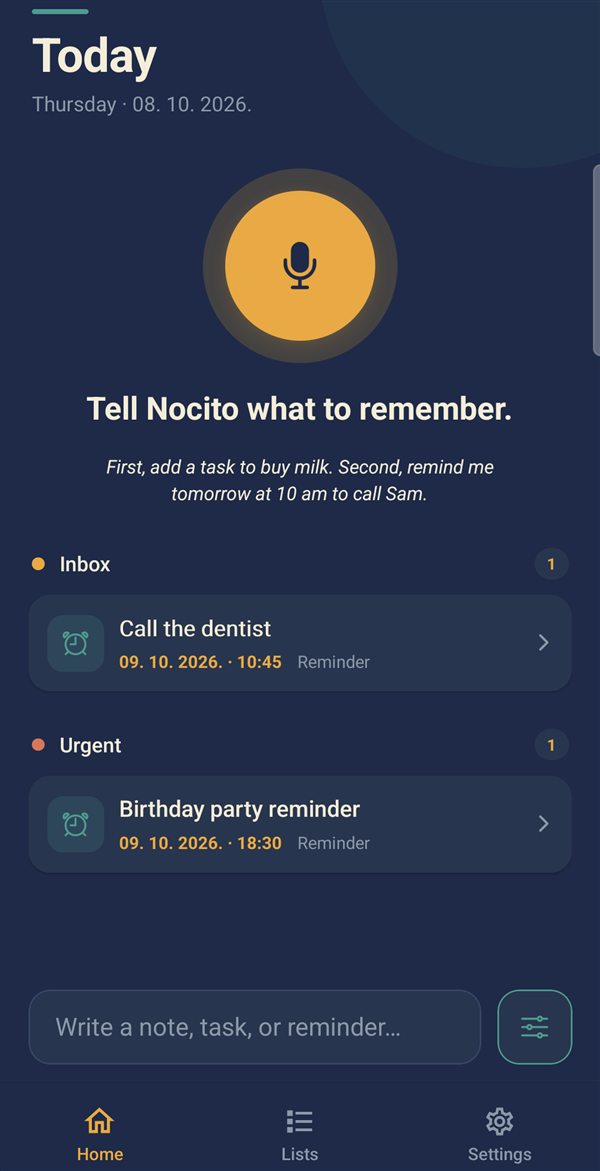
Tap the microphone or start from your Android widget.
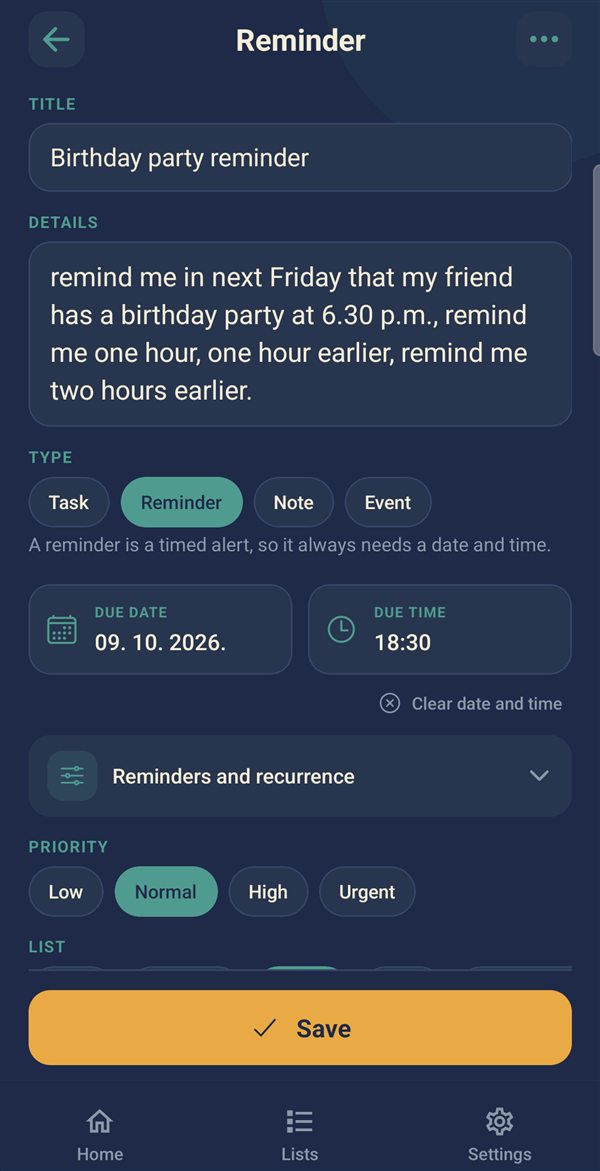
Local AI extracts the details. Review and correct anything that needs attention.
Valid reminders can run before review, with Snooze and Done when they arrive.
Your speech and AI organization are processed on your phone, not uploaded to a cloud AI service.
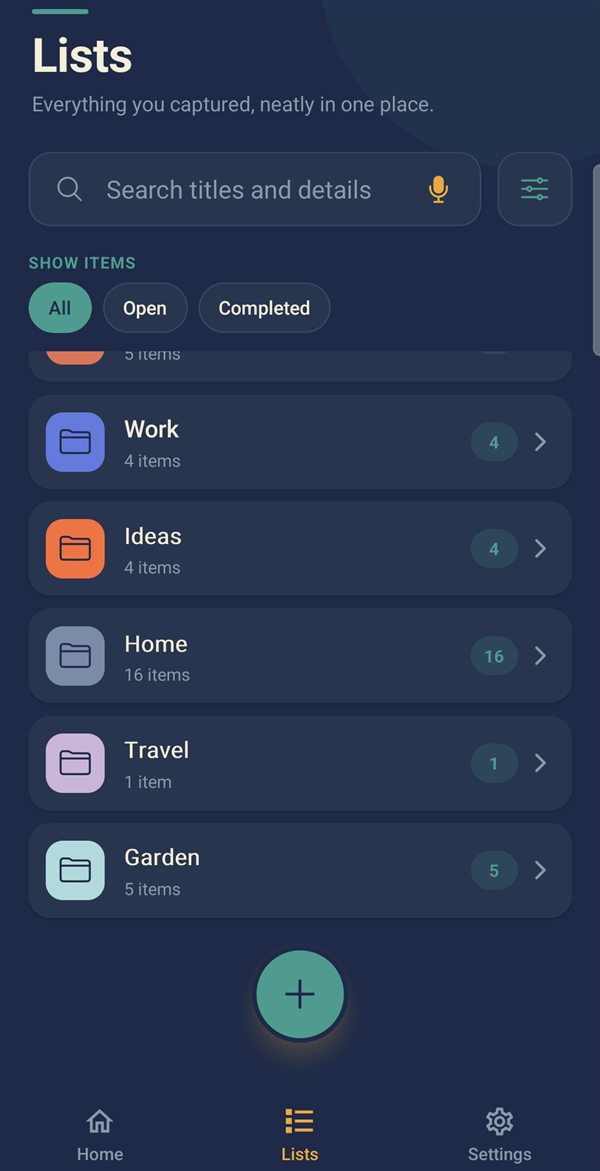
Keep them together, organized into your own lists and priorities.
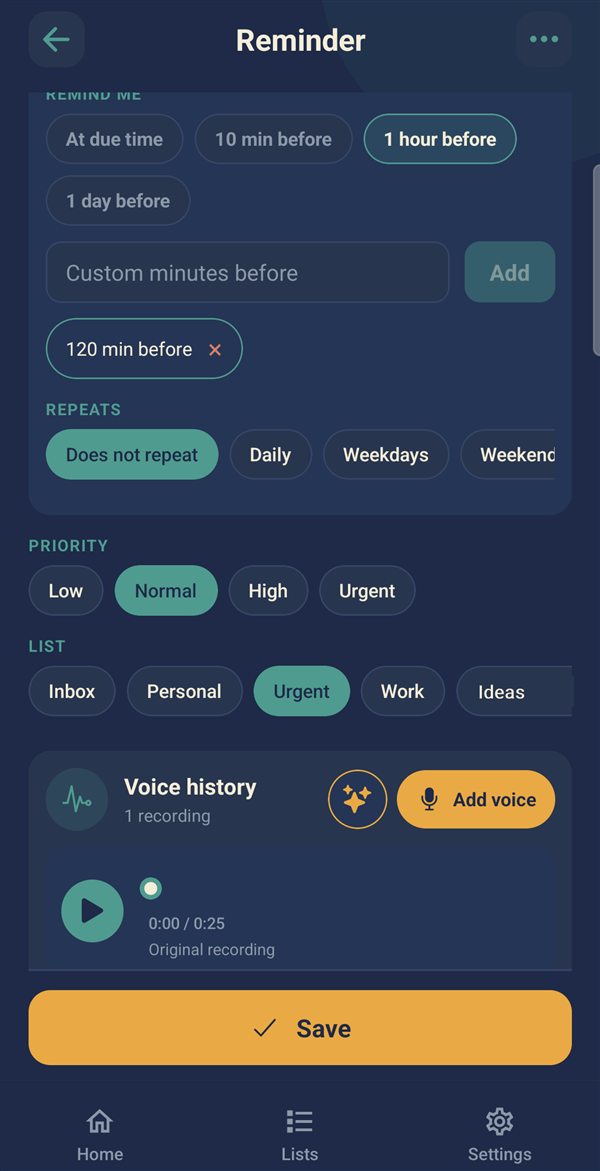
Set weekdays, selected days, custom intervals and advance alerts without rebuilding the same reminder each time.
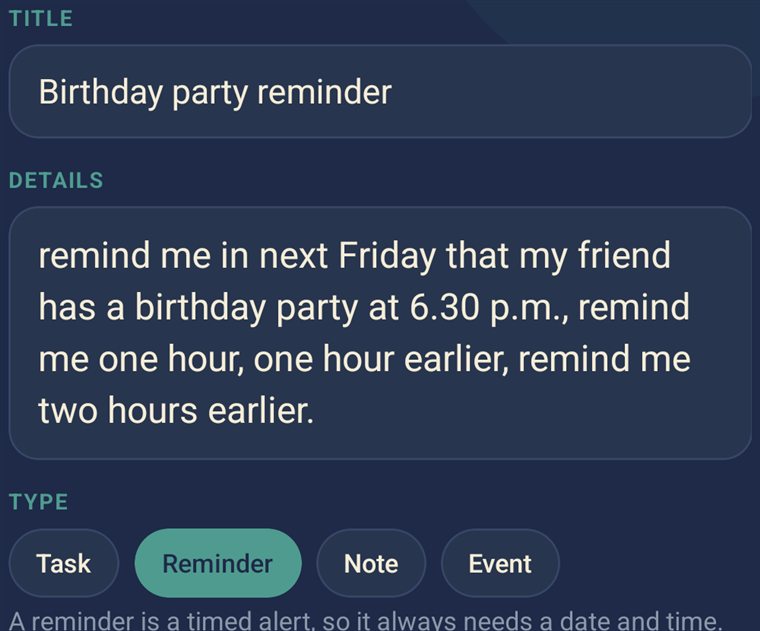
Check what Nocito understood, edit the details, and listen to the original recording when you need context.
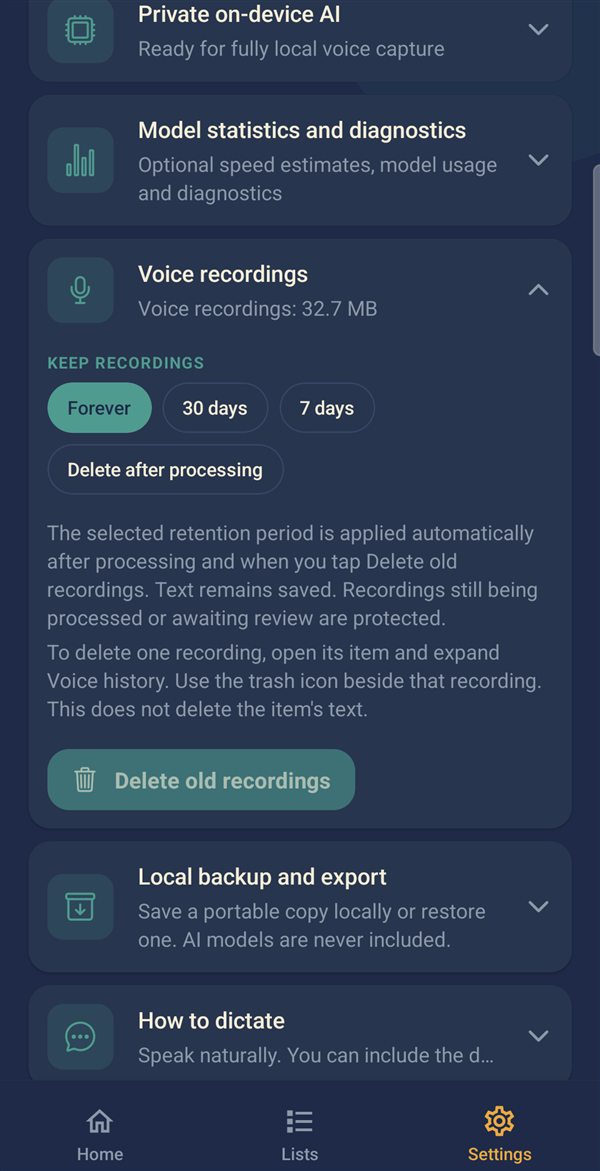
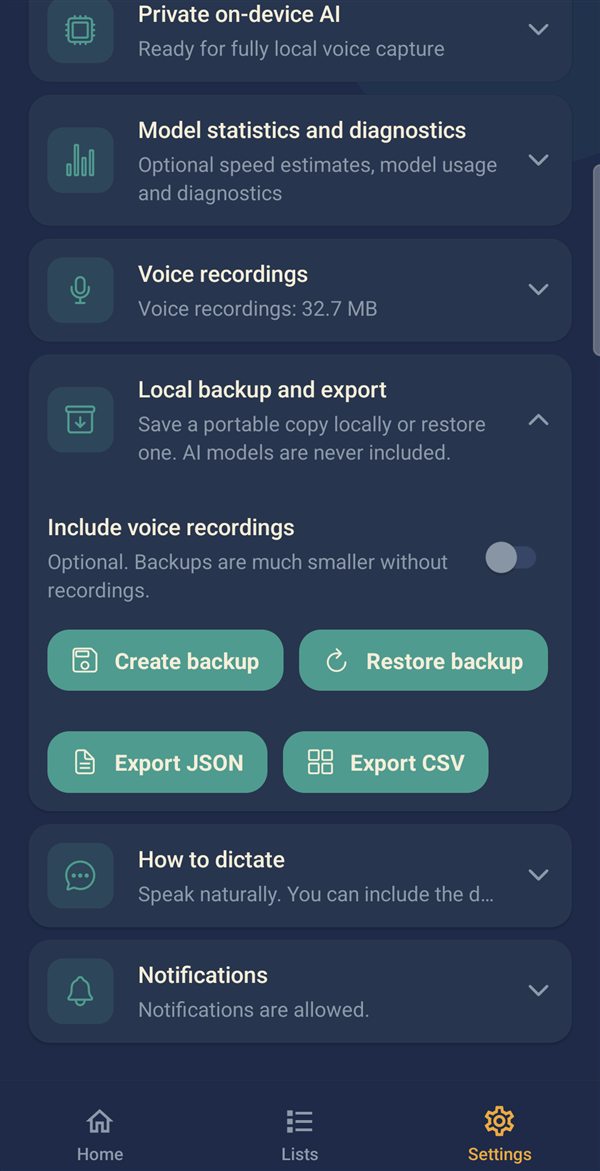
Choose recording retention and make local backups or exports. Sharing is your choice.
Manual entry stays free. Try voice and AI, then keep using them with a one-time purchase — no subscription.
Record in a tap, or type a quick note. You do not have to wait for one recording to finish processing before capturing the next thought.
Examples of what you can say (the app currently understands English). Always check important deadlines — speech recognition and AI can still misunderstand.
Remind me in five minutes to check the oven.Add a task to send the proposal tomorrow, high priority, Work list.Write a note: the campaign should focus on privacy and simplicity.Remind me every weekday at 9 am to send the report, Work list.First, add a task to buy milk. Second, remind me tomorrow at 10 am to call Sam.Nocito saves the recording and its result on your phone. Review is where you check what it understood: edit the title, content, type, date and time, list, priority, repeat and advance alerts, and listen to the original recording.
A reminder with a valid date and time can still run before you accept it. If essential scheduling information is missing, Nocito flags it and does not schedule that incomplete reminder — open Review to complete it.
Inbox, Urgent, Personal and Work lists get you started. Add your own, rename and recolor them, archive them and bring them back.
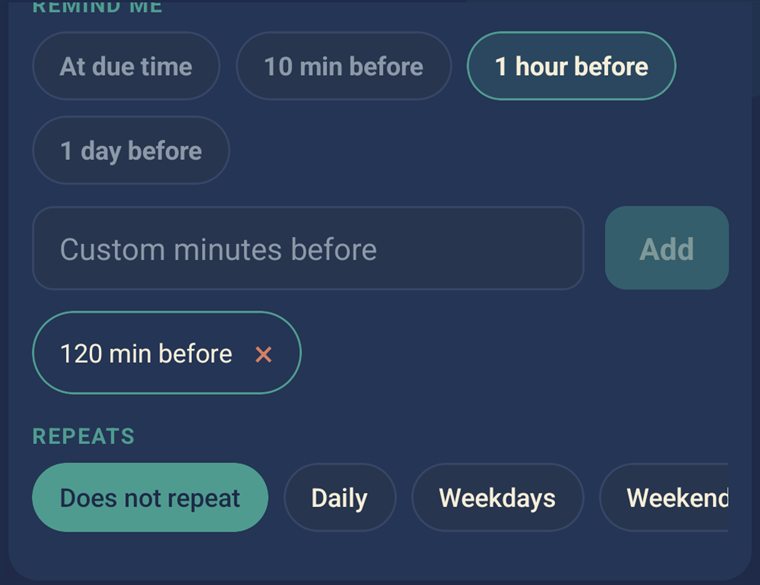
From daily repeats to patterns like every other Tuesday. Warn yourself before an appointment, not only at the moment it starts.
Android battery settings, missing permissions or a force-stopped app can still block alarms. Nocito checks the permissions it needs and can send a test reminder from Settings.
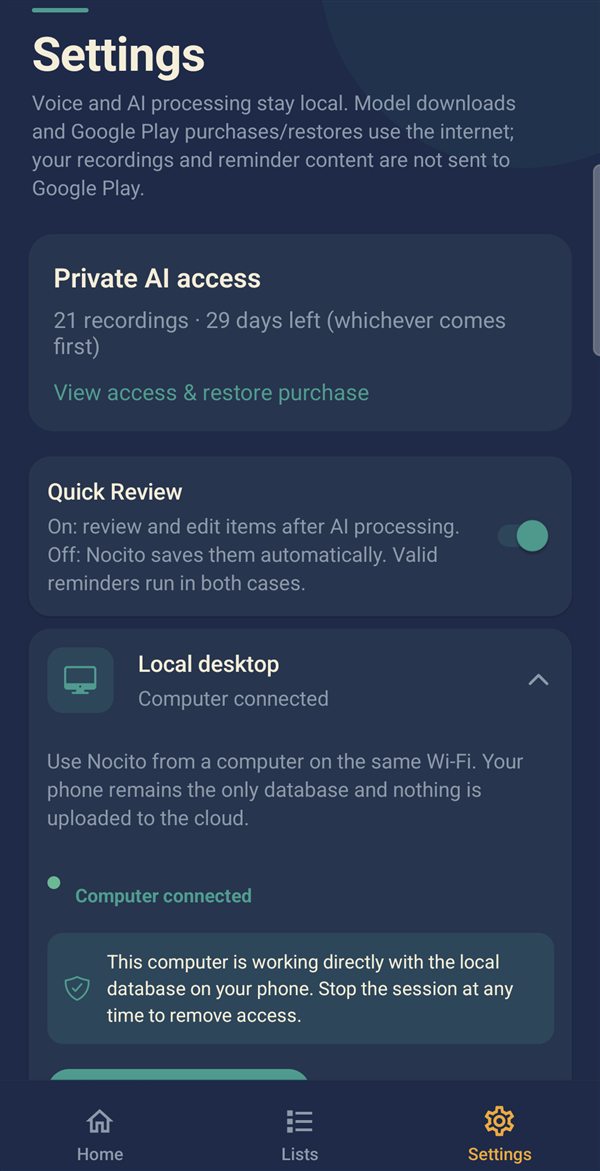
There is no Nocito account and no developer-hosted copy of your reminders. You decide what to keep and where to save it.
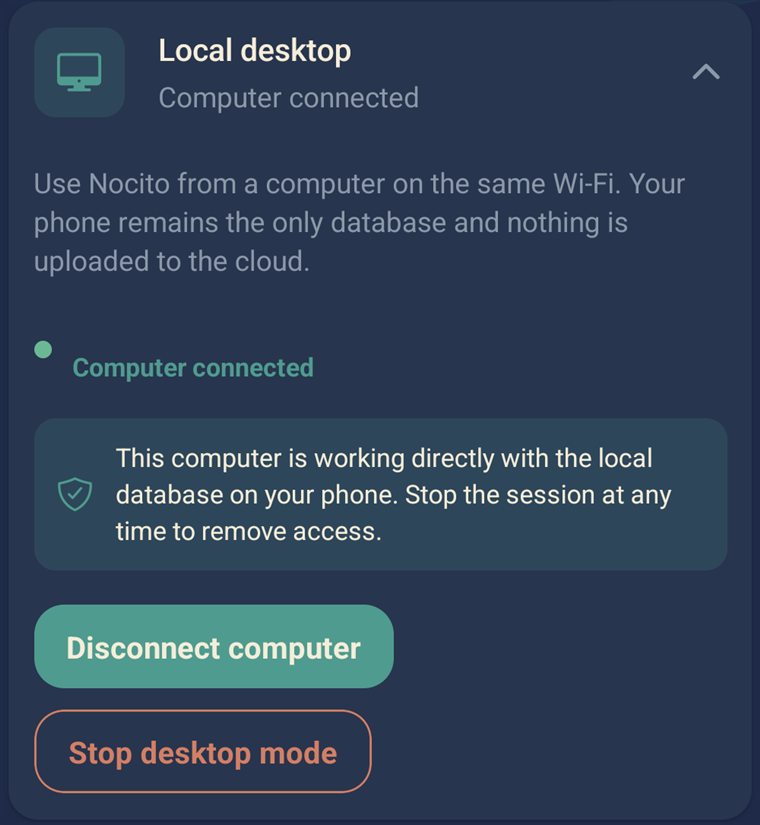
Enable the optional local desktop connection to work in a paired browser on your trusted home or work network. No separate desktop app and no Nocito cloud account.
Private AI runs on your phone, so it needs room and a capable device. We would rather tell you now than after you install.
The recommended setup downloads about 4.75 GB of AI models on a fresh install, plus free space for setup and your data. You can postpone it and use manual entry.
Android 8 or later on a 64-bit ARM phone. Larger models need more free memory; not every phone suits every model. No iOS version.
The first release supports English only.
Manual reminders, tasks and notes stay free. Try voice and AI first, then decide.
No account needed
One-time in-app purchase
Regular price €3.99 — local pricing is shown by Google Play. A Google Play account is needed for the purchase; no Nocito account is.
Private Reminder is Android-only, English-only at launch, and built to do its AI work on your phone.
You need an internet connection to download the AI models and for Google Play purchases or purchase restoration. Once setup is complete, core voice processing and reminders work offline. Optional local desktop access needs your local network.
No. Speech recognition and AI organization run on your phone. You can separately choose to export files or enable access from a paired browser on your local network.
No Nocito account is required. Google Play handles an optional purchase using your Play account.
Manual reminders, tasks and notes, plus access to your existing data and existing reminders. Voice and AI have a trial, followed by an optional one-time unlock.
No. The trial does not automatically charge you. You choose whether to make the one-time voice and AI purchase.
The recommended setup downloads approximately 4.75 GB on a fresh installation. Additional free space is required for setup and your data. Nocito checks storage and missing files; you can postpone setup and use manual entry.
It depends on your phone, the selected model and available resources. Processing can wait when the device is busy or hot. Balanced supports background processing; the largest-model Best accuracy mode currently needs the app in the foreground.
A reminder with a valid date and time can still run. Review lets you check what Nocito understood. If essential scheduling information is missing, open Review to complete it; Nocito does not schedule that incomplete reminder.
Yes, it supports multiple items. Separate the requests clearly, for example First ... Second ..., and review the results. AI can still misunderstand speech or ambiguous instructions.
Yes, through an optional paired browser on the same local network. The phone stores the data. Current local desktop transport is HTTP, not encrypted HTTPS, so only enable it on networks and computers you trust.
The initial release supports English on compatible 64-bit ARM Android phones running Android 8 or later. Storage, memory and processing performance matter; larger AI models are not suitable for every phone. No iOS version is available.
Save a portable backup outside the phone if you want protection against device loss. Internal safety snapshots remain on the device. You can optionally include available recordings; downloaded AI models are not included.
Private AI on your phone. Start free, unlock voice once.